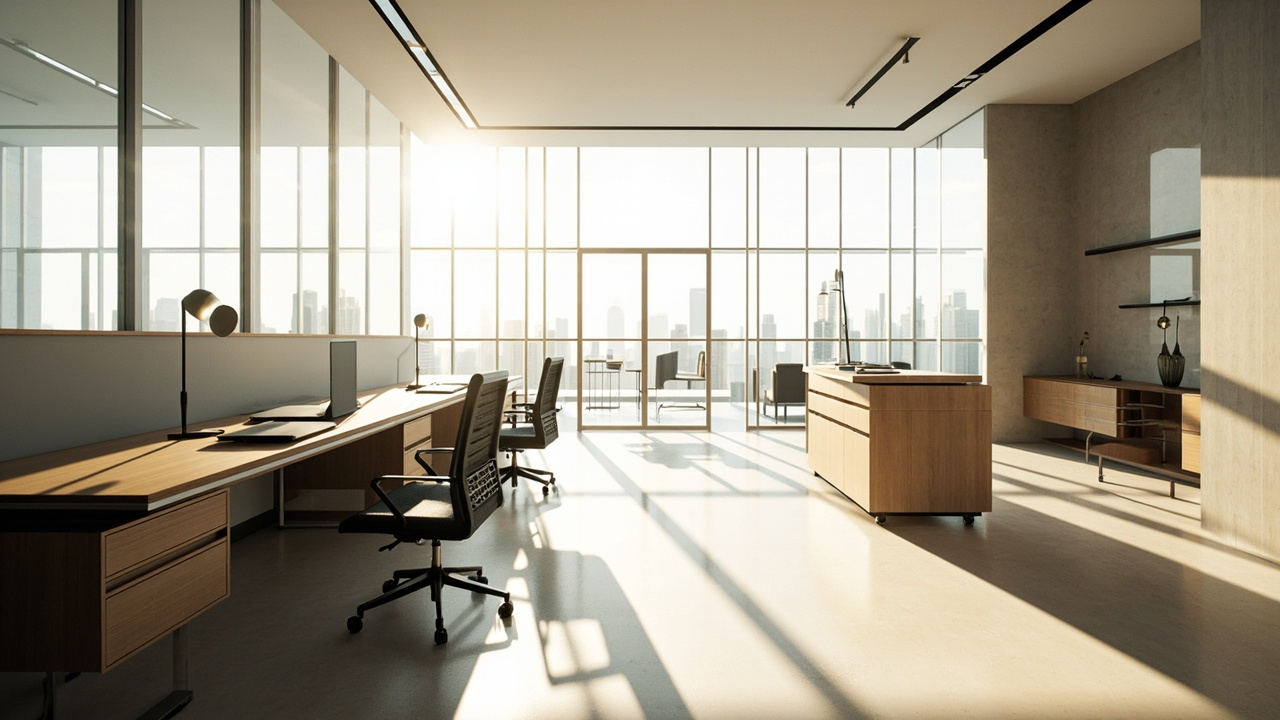
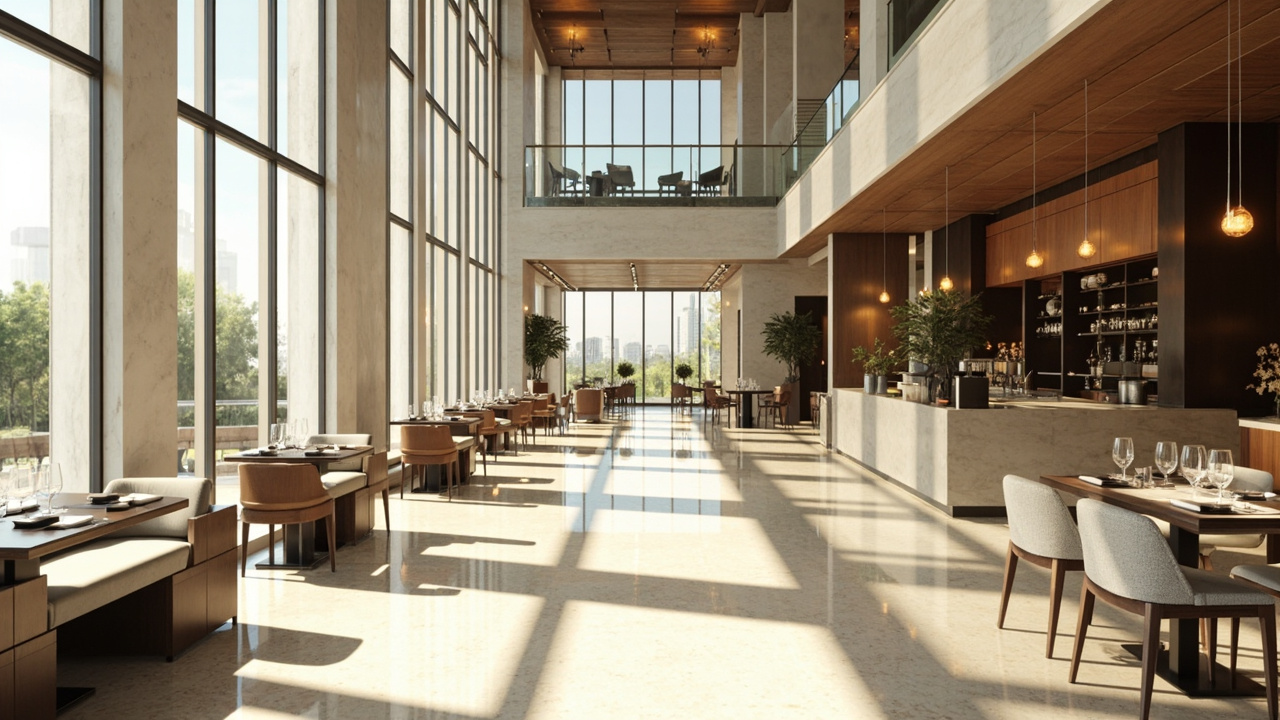
To design a small office, anchor the desk to one wall where it gets the most natural light, build storage up the wall instead of out across the floor, and keep the colour palette light so the room feels airy rather than cramped. Plan the layout first, then buy furniture. Get those moves right and even a closet-sized corner can work as a real, functional workspace.
We design small offices all the time, and the constraints rarely change: limited space, one window if you’re lucky, and a room that has to look good while you get work done. So how do you make it both functional and appealing?
What is the ideal layout for a small office?
The best layout for a small office puts the desk where it catches the most daylight, usually beside or facing the window, with everything arranged around that one anchor. Think in zones, not pieces of furniture: a place to work, a spot for storage, and a clear path to the door. As the Canadian Centre for Occupational Health and Safety notes, “Office spaces should allow for easy movement, accommodating visitors where necessary, and storage.” Run the desk along one wall so the centre stays open. That’s the heart of good space planning.
How much space do I need for a home office?
Less than you’d think. A functional home office can live in a corner of a bedroom, a hallway nook, or a slice of the living area, as long as there’s room for a desk, a chair, and a little storage. A small office isn’t defined by square footage. As Wikipedia puts it, “Small office/home office (or single office/home office; sometimes short SOHO) refers to the category of business or cottage industry that involves from 1 to 1000 workers.” For one person, a desk that fits a monitor at arm’s length is enough.
What are some essential small office storage ideas?
When floor space is precious, store things vertically. The walls are your best friend here:
- Mount shelves up the wall to keep books, files, and clutter off the desk.
- Choose a slim filing cabinet rather than a bulky credenza.
- Add a custom built-in where no off-the-shelf piece would fit the alcove.
How do I get the lighting right in a small office?
Good lighting in a small office means layering natural light with a task lamp, then controlling glare on your screen. Daylight should do most of the work. As the Canadian Centre for Occupational Health and Safety advises, “Daylight is desirable in the workplace provided it does not cause glare or make the work area too bright.” Position the desk to use the window, then add roman shades to tame harsh sun.
How do I choose furniture for a small office?
Pick furniture that earns its footprint. Every piece should do double duty or disappear against the wall. Start with a supportive, adjustable chair, since that’s the one thing you can’t fake. Then choose a desk scaled to the room, a console or a slim standing desk rather than a sprawling executive piece. Budget-friendly shelving from IKEA works well. That’s the thinking behind a proper furniture, fixtures, and equipment plan.
How do I make a small office feel bigger?
A small office feels bigger when it’s light in colour, low in clutter, and visually open from the doorway. Paint the walls a soft, light shade and keep the floor clear. Warm wood tones and a single low-pile rug add character without crowding the room. Keep décor to a few personal items: a plant, a lamp, one good frame.
Frequently asked questions
What is the 70 30 rule in interior design?
The 70/30 rule says roughly 70 percent of a room should follow one dominant style or colour, and the remaining 30 percent acts as accent. In a small office, that means a calm, neutral base with one bolder chair or piece of art for personality.
What is the 3-5-7 rule in decorating?
The 3-5-7 rule is a guide for grouping décor in odd numbers, because odd-numbered arrangements look more natural than even, symmetrical ones. On a small office shelf, that might be three books, a plant, and a small frame.
What are some work from home essentials?
The non-negotiables are a proper desk, a supportive adjustable chair, good lighting, and a bit of storage. Beyond that, set a laptop or monitor at eye level and use a separate keyboard so your wrists stay neutral.